Why Your Groomers Keep Forgetting to Ask for Google Reviews (and How to Fix It Without Nagging)
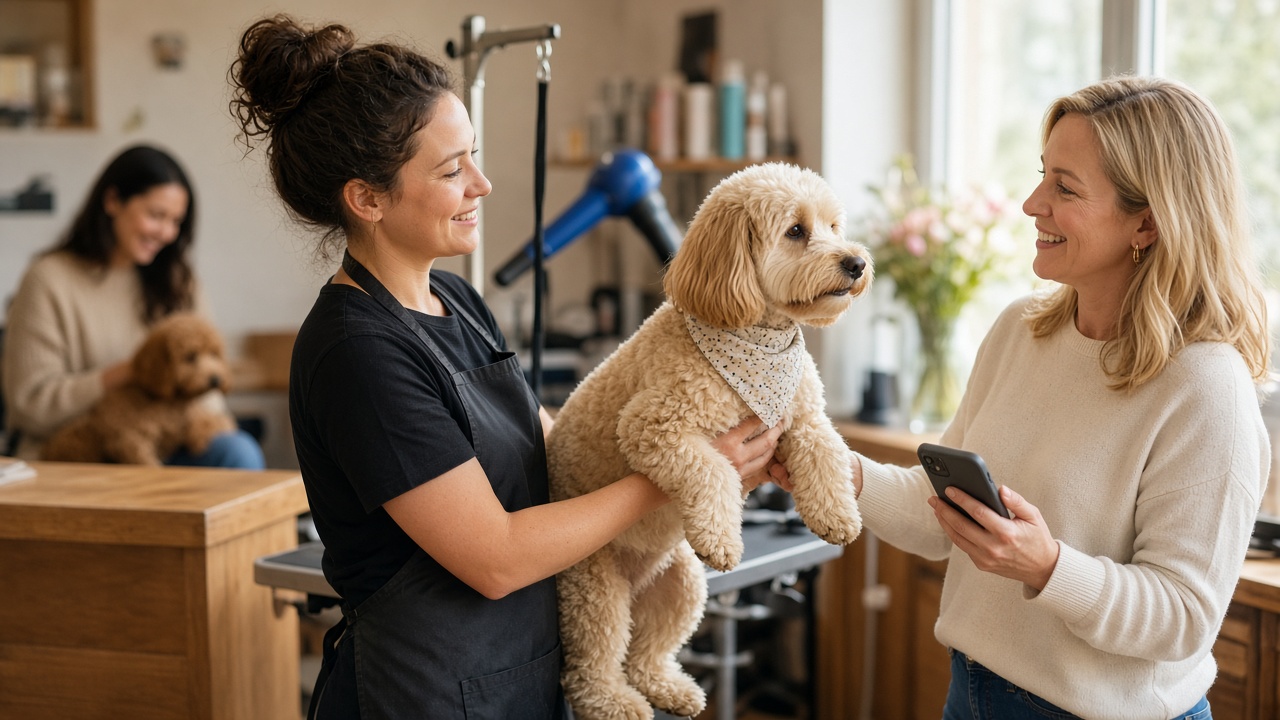
Your groomers aren't lazy. Pickup is chaos. Here's why staff forget to ask for Google reviews, and how to fix it without nagging anyone.

.svg)

.svg)
A photo of a freshly groomed dog is about the best thing you can attach to a review request. But if your process quietly depends on someone remembering to take that photo, the photo has turned into a bottleneck. This post is about review requests without pet photos: how to keep every request personal when nobody had a free hand for the camera, and how to decide when a photo is actually worth grabbing.
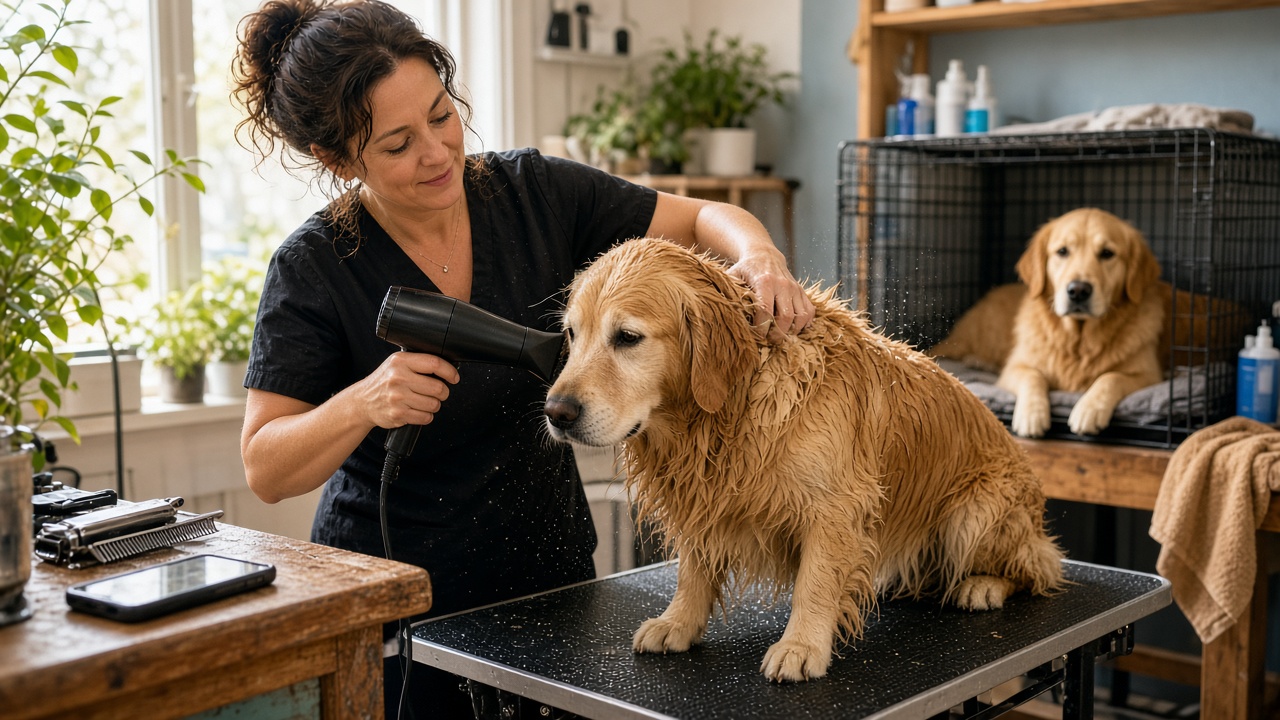
Picture a normal Saturday. There's a wet golden on the table, the dryer is going, and two pickups are due in 20 minutes. The phone sits on the counter. Nobody is stopping mid-blowout for a glamour shot.
So the review request waits. "I'll send it once I get a photo" turns into "I'll send it tomorrow," and tomorrow has its own wet golden. A habit that was meant to make requests better ends up deciding whether they go out at all.
That's the trap. Pet photo review requests are great, and they should stay in your toolkit. They just can't be the gate. A client who never gets asked can't leave a review, no matter how good the groom was.
It's easy to assume the photo is what makes a request feel personal. It helps a lot. But it isn't the only thing. Think about what a client notices when a message lands on their phone:
A photo adds to all of that. Without one, the other pieces still carry a lot of weight. Personalized review requests come from the details. The image is one detail among several.
None of this means you should stop taking photos. Some situations make them hard to beat:
In these moments, a photo makes the request feel like a little gift instead of a favor being asked.
Other times, chasing a photo works against you:
In all of these cases, the goal is the same: the client still gets asked, and the request still feels like it came from you.
Here's a simple way to build a process where the photo is a bonus instead of a requirement:
1. Start the request from something that already happens. A completed appointment, a checkout, or a payment can kick off the request automatically. That takes memory out of the equation, which is a bigger deal than most owners expect. (We dug into that side of things in why groomers keep forgetting to ask for Google reviews.)
2. Pick a default image you're proud of. Your team, your shop, your logo, a shot of your grooming space on a good day. This is what goes out whenever a pet photo doesn't. Choose it once and make it look like you.
3. Fill the message with what you do know. Client name, pet name, service, location. Those details come from your booking info, not from anyone's camera roll.
4. Make the photo optional at the moment of sending. If someone grabs a shot, it goes into the request. If not, the default image steps in. Nobody should have to decide between "send it now without a photo" and "wait."
5. Ask everyone the same way. Every client gets the same invitation, photo or not. Ask how the visit went so you can hear about concerns early, and keep the public review option open to everyone. Consistency is the fair approach, and it keeps you on the right side of Google's review policies.
This is pretty much how ReviewCrusher was built to work. A review request can use one pet photo, a before-and-after, or your customized CrushPix company image. No photo? No problem. Your customized company image can be used automatically with personalized customer and pet information, so the client still sees their name, their pet's name, and a personal message about the visit.
When you do want a photo in the mix, the Snap2Review workflow keeps it quick: photo, customer, AI message, send. AI writes the message for you, and you can edit anything before it goes out. Clients also get review suggestions they can choose, edit, or use as a starting point. Follow-ups can run automatically, and the feedback step helps you hear concerns sooner, while every client keeps access to leave a public review.
It works with the pet-service software you already use, or completely standalone. If you want to see what a request looks like from your client's side, try the live customer demo.
Pet photos make review requests better. Requiring them makes your process worse. Take the photo when it's easy and when it adds something, and let a good default image carry the rest. That way every client gets asked, and nobody on your team has to remember.
Start My 14-Day Free Trial: $0 at signup (credit card required), then $59/month for the Growth plan unless you cancel, with a 30-day money-back guarantee after your first paid charge.
Learn how to enhance your online presence, gather more positive reviews, and prevent negative feedback.


Why waste time managing reviews manually? Let ReviewCrusher AI do the heavy lifting for you!
With our AI-powered tool, you can boost your reputation, attract more customers, and grow your business—effortlessly. We automate the tasks that matter most, so you can focus on what you do best.
🚀 More trust. More sales. Less hassle.
This is your chance to see how ReviewCrusher AI can transform your online presence and deliver real results.
Ready to take your business to the next level?
Click below to sign up now and start crushing your goals today! 💪