
Watch the short intro video on your Dashboard so you can see what your customers will experience.

This short video shows what your customers will experience, so the rest of your setup makes sense.
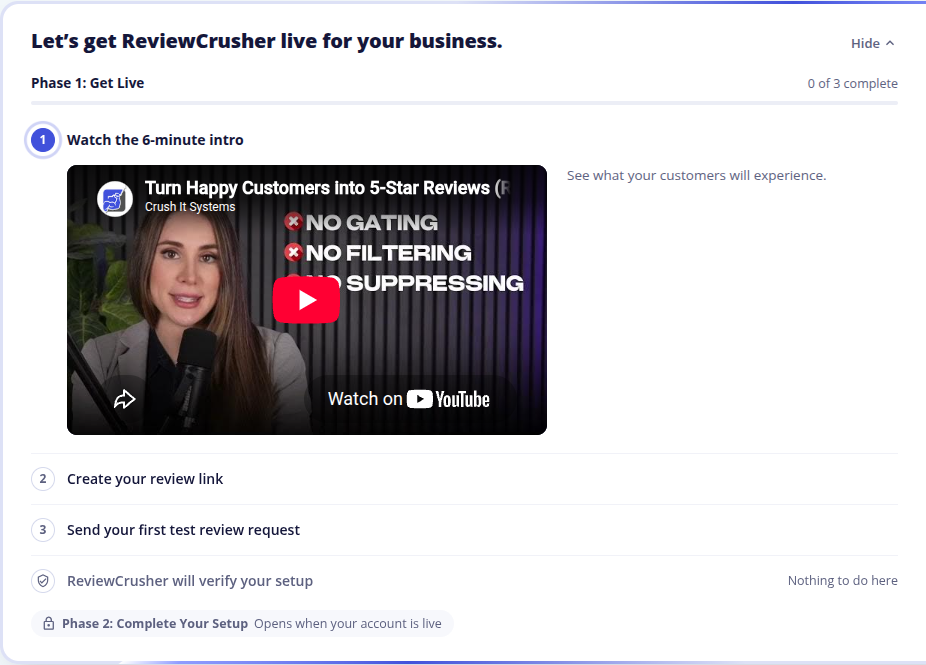
You can leave and come back. The video picks up where you stopped.
The step shows a tick once you have watched at least 90% of the video. Get More Reviews, Contacts and Review Platforms then open for you.
Refresh the page. If it still does not play, try another browser, and check that nothing on your network is blocking YouTube.
Keep the page open while you watch, then refresh your Dashboard. If you skip ahead, you may need to play the last part again.
See Troubleshooting and Common Questions, or reach us here:
Back to My Onboarding Checklist
Last reviewed: November 13, 2026. Content owner: ReviewCrusher Customer Success.