When to Send a Google Review Request: The Best Timing for Every Pet Business
When to send a Google review request depends on your pet niche. Timing tips for groomers, mobile groomers, boarding, daycare, trainers, sitters and vet clinics.



Your Google review link for your pet business is the shortest path between a happy client and a new review. One tap and they land on the review box for your Business Profile. No searching for your name, no scrolling through a map, no guessing which listing is yours. Every groomer, boarding kennel, daycare, trainer, pet sitter and vet clinic should have it saved somewhere handy.
But a link on its own rarely does the job. This guide shows you how to find your link, where to use it, and how to wrap it in a personalized review request that clients actually want to answer.
It's a short web address that Google creates for your Google Business Profile. When a client opens it, Google shows your business with the stars and the review box ready to go. It's free, it belongs to your profile, and anyone who manages the profile can copy it.
The link saves your client a few steps. That matters more than it sounds. Every extra step is one more chance for a busy pet owner to get distracted and go back to their day.
Google updates its layout from time to time, so the button names can shift a little. The steps usually look like this:
Test it once before you share it. Open it on your own phone in a private browser window and make sure it lands on the right business. This matters most if your name is close to another business nearby, or if you run more than one location, since each location has its own profile and its own link.
Here's the catch. Most of these are passive. A QR code by the register is easy to walk past while a client is juggling a leash, a wallet and a wiggly dog. A link in an email footer is easy to scroll past. Passive placements are nice to have, but they don't replace actually asking.
Picture the text a lot of businesses send: "Please review us!" followed by a long link. It isn't wrong. It's just easy to ignore. It looks like every other automated text, and it says nothing about the visit the client just had.
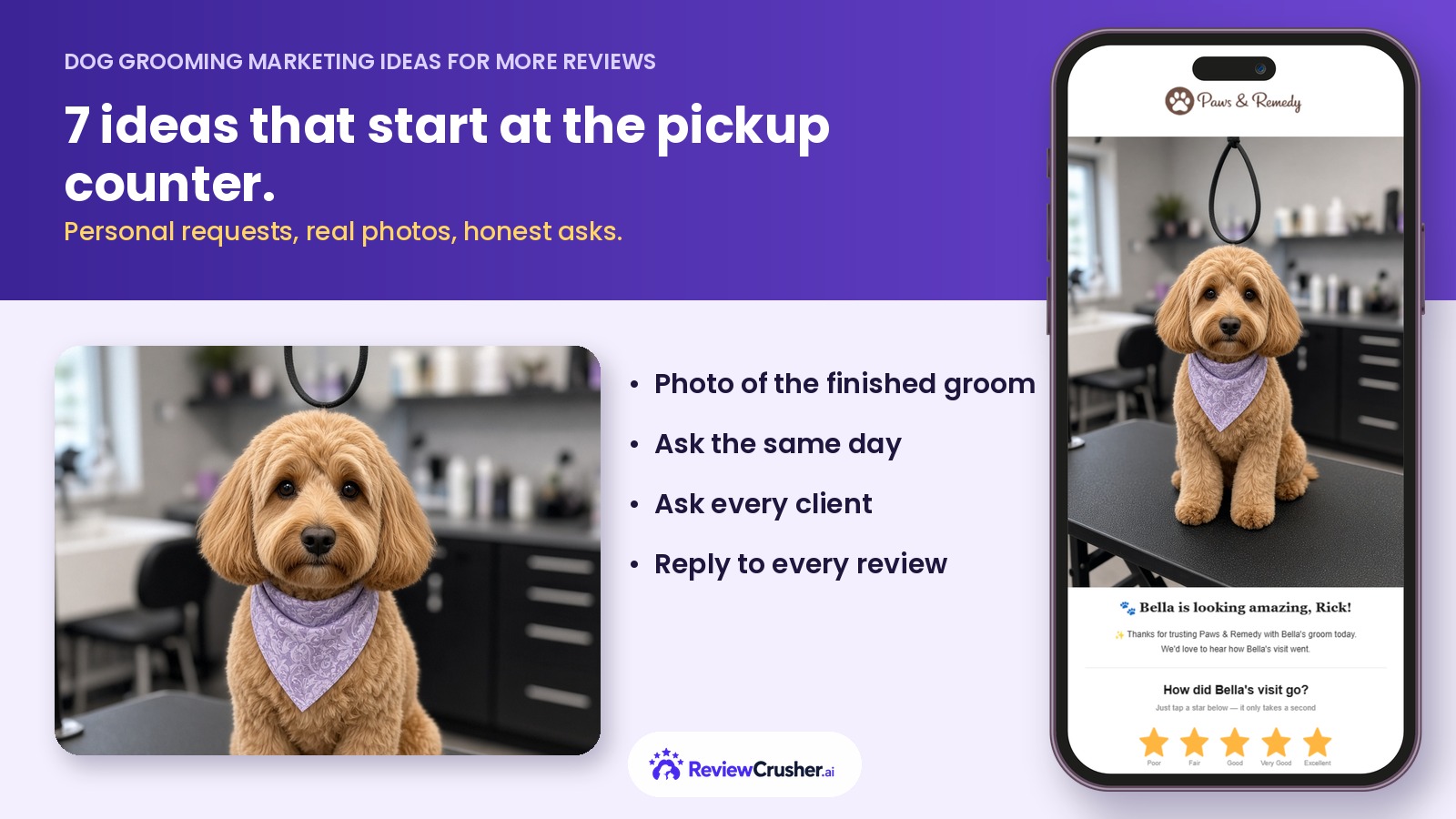
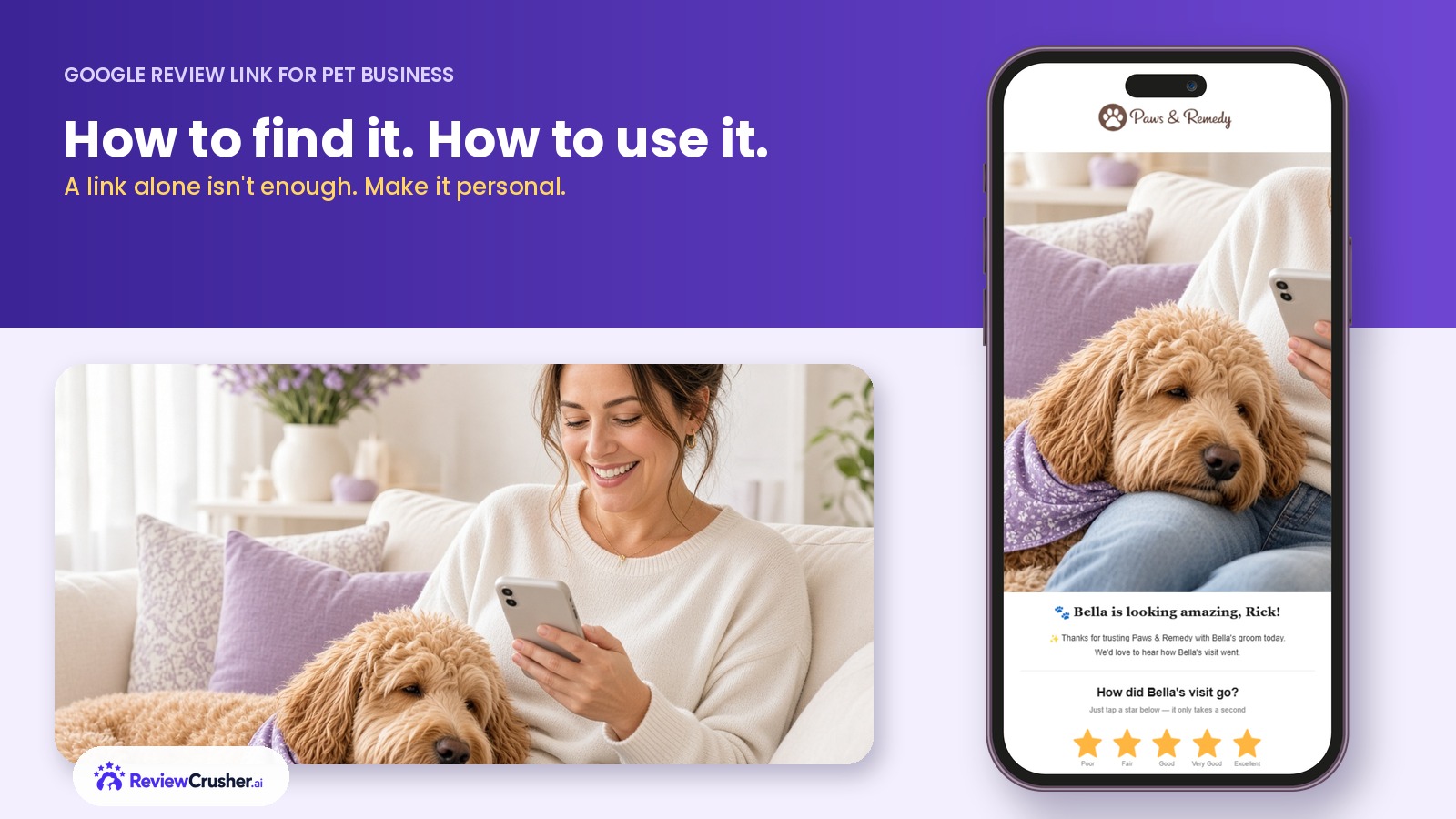
Pet owners respond to their pet. A request that says "Bella is looking amazing!" next to a photo of Bella fresh from her groom feels like a thank-you. A bare link feels like homework. Our guide on why happy clients don't leave reviews goes deeper into why the review box stays blank.
A good review request does a few things a link can't do by itself:
Keep it short, warm and specific to the visit. A few examples you can adapt:
For more ready-to-edit wording, see our dog groomer review request text message template guide.
Two rules apply no matter what you write. Send the same request to every client, not only the ones you think are happy. And don't offer discounts or freebies in exchange for reviews. Google's policies don't allow incentivized reviews, and honest reviews are worth more anyway.
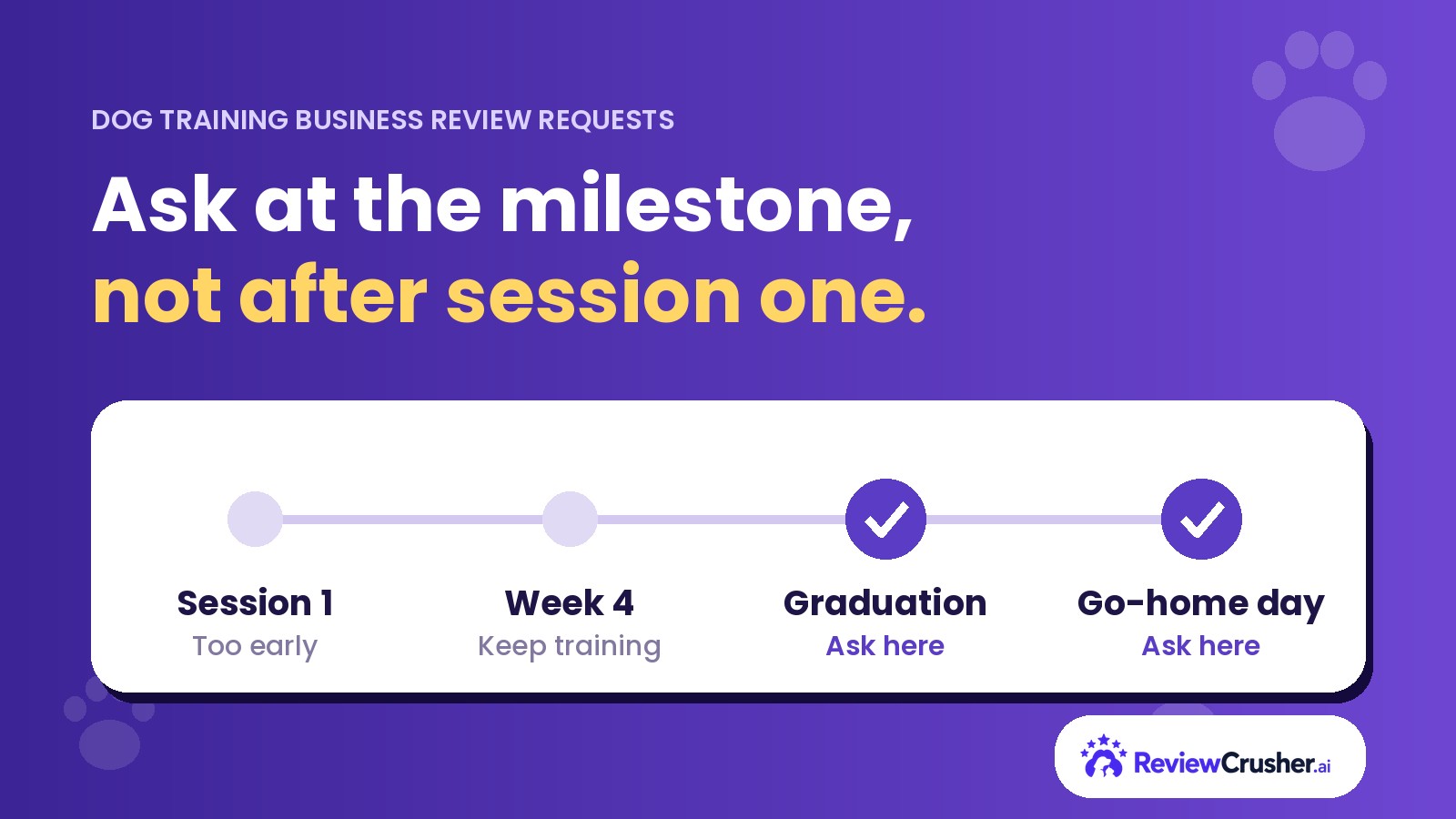
The best link in the world won't help if it shows up a week late. Send it the same day or the next day, at a time when the client can actually read it. If they don't get to it, one friendly follow-up is plenty. Our guide on when to send a Google review request breaks down timing by pet niche.
ReviewCrusher is the review platform built specifically for pet service businesses. Instead of a bare link, your clients get a personalized review request by text or email with their name, their pet's name, and a pet photo or before-and-after photos when you have them. No photo? No problem. Your customized company image can be used automatically with personalized customer and pet information. (More on that in review requests without pet photos.)
It works with your existing software or completely standalone. For the bigger picture, read how to get more Google reviews for your pet business.
Your link is the door. A personal, well-timed request is what gets clients to walk through it. Start your 14-day free trial of ReviewCrusher and send your first personalized review request this week.
Learn how to enhance your online presence, gather more positive reviews, and prevent negative feedback.


Why waste time managing reviews manually? Let ReviewCrusher AI do the heavy lifting for you!
With our AI-powered tool, you can boost your reputation, attract more customers, and grow your business—effortlessly. We automate the tasks that matter most, so you can focus on what you do best.
🚀 More trust. More sales. Less hassle.
This is your chance to see how ReviewCrusher AI can transform your online presence and deliver real results.
Ready to take your business to the next level?
Click below to sign up now and start crushing your goals today! 💪