Google Review Link for Your Pet Business: How to Find It (and Why a Link Alone Isn't Enough)
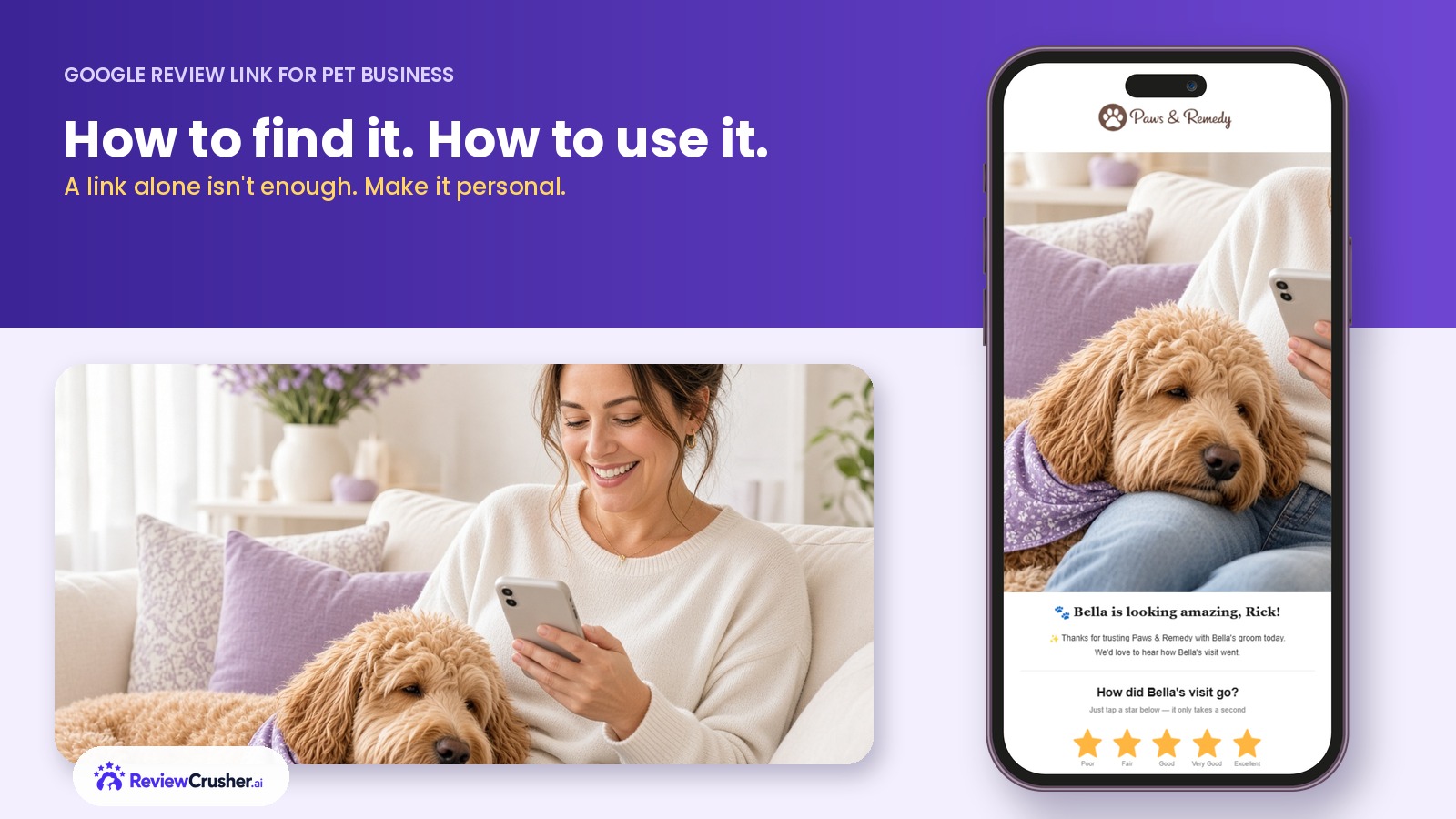
How to find the Google review link for your pet business, where to share it, and how to turn it into a personal request clients actually answer.




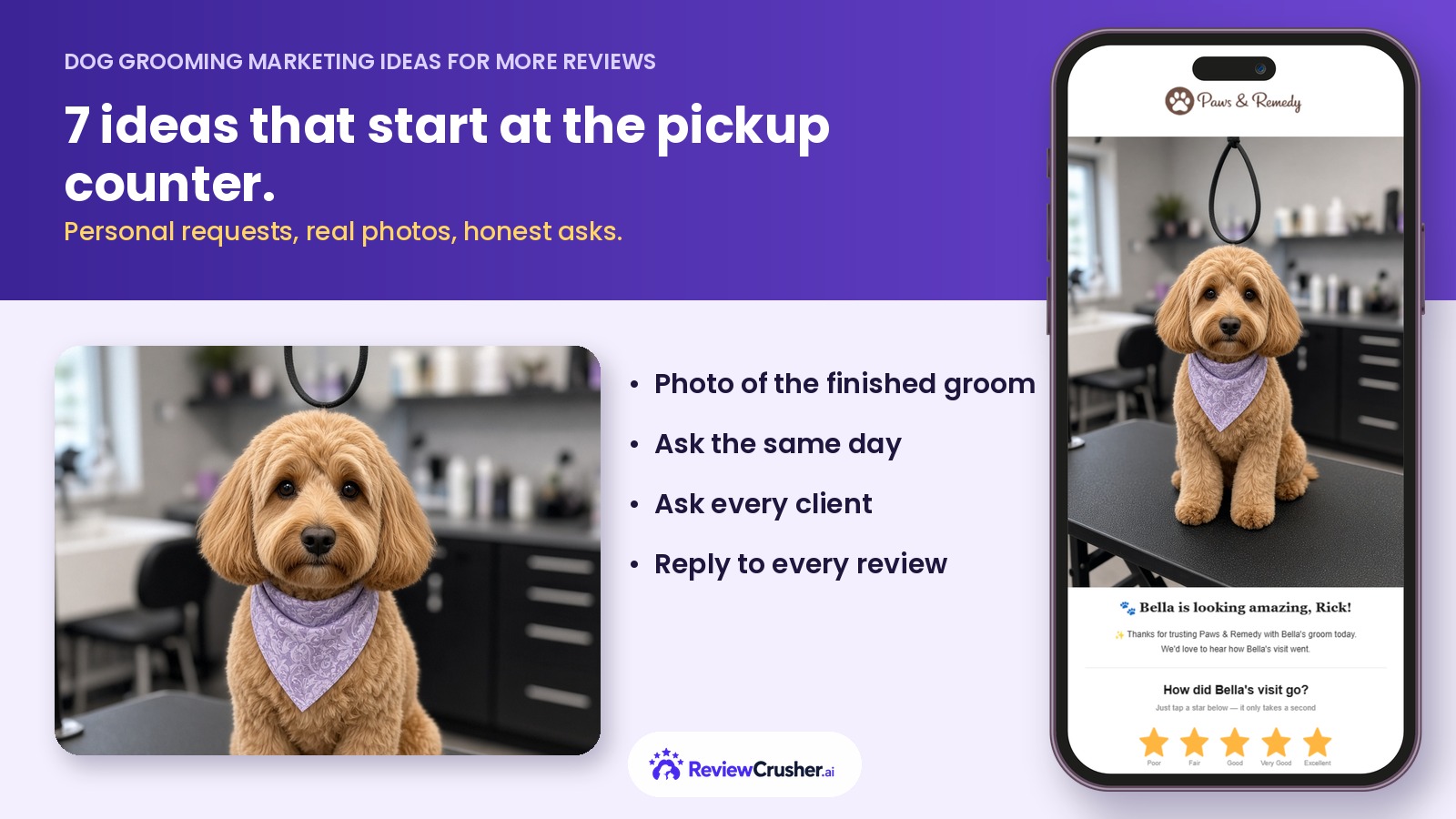
Pickup time is the one moment every dog boarding or daycare customer shares. The owner walks in, the dog spots them, and for about thirty seconds everyone in the lobby is smiling. Most businesses let that moment walk out the door. It is the best review opportunity you will get all day.
This guide shows how boarding and daycare businesses can turn pickup time into a steady flow of Google reviews without adding work for front-desk staff or making customers feel pressured.
Review requests work when they land at an emotional high point. For a groomer that is the big reveal. For boarding and daycare, it is the reunion.
At pickup the owner has just seen that their dog is happy, tired, and safe. Relief and gratitude are at their peak. A request sent three days later arrives when the owner is back at work and the stay is a distant memory.
Staff should never have to remember to ask. Build it into the same script they already use for the invoice and the report card.
A simple version:
"Bella had a great stay. She played most of the morning and napped after lunch. If you have a minute later today, a quick Google review really helps other dog parents find us. We will text you the link."
That is it. No speech about how important reviews are, no awkward pause waiting for a yes. The request is made, the link is on its way, and the customer decides later.
The ask happens at the counter. The link should arrive within a few minutes, while the dog is still bouncing around the back seat.
Two rules for the message:
Example text:
"Thanks for trusting us with Max this week. If he came home happy, would you share a quick Google review? [Review Link]"
If you want the numbers behind message timing and channels, see our guide on how to get more Google reviews for your pet business.
A busy Friday afternoon might mean twenty pickups in two hours. Nobody is texting review links by hand during that rush.
Connect the request to the checkout event in your software. When a stay is marked complete, the message goes out on its own. Staff still make the verbal ask, but the follow-through no longer depends on memory.
ReviewCrusher was built for exactly this: the review request becomes part of the customer workflow instead of another task on the front-desk list.
Vague experiences produce vague reviews, or none at all. Specific moments produce specific reviews, and specific reviews convince new customers.
The report card is your best tool. A photo from the play yard, a note about who Bella made friends with, or a mention that she finally used the pool gives the owner a story. Owners repeat those details in their reviews almost word for word.
Sometimes a dog comes home with a scraped paw or the owner is unhappy about something. Do not send that customer a review request on autopilot.
Give staff a one-tap way to flag a pickup as "follow up first". The owner gets a call from a manager instead of a review link. Most of those conversations end well, and many of those owners become your most loyal reviewers later. If a negative review does appear, our guide to responding to negative Google reviews covers what to do next.
Google prohibits offering discounts, free days, or treats in exchange for reviews, and it prohibits asking only the customers you expect to be positive. Ask everyone the same way, offer nothing in return, and never write reviews on a customer's behalf.
A consistent, honest process also keeps your review profile looking natural, which matters for how Google ranks local results.
Boarding and daycare businesses already create dozens of happy reunions a week. The only missing piece is a reliable way to ask at that moment and make the next step effortless.
Script the ask, send the link within minutes, automate the follow-through, and give owners a story to tell. Do that consistently and your review count will reflect the care your team already delivers.
Learn how to enhance your online presence, gather more positive reviews, and prevent negative feedback.


Why waste time managing reviews manually? Let ReviewCrusher AI do the heavy lifting for you!
With our AI-powered tool, you can boost your reputation, attract more customers, and grow your business—effortlessly. We automate the tasks that matter most, so you can focus on what you do best.
🚀 More trust. More sales. Less hassle.
This is your chance to see how ReviewCrusher AI can transform your online presence and deliver real results.
Ready to take your business to the next level?
Click below to sign up now and start crushing your goals today! 💪