
Before and after
Before-and-after review requests for groomers
A before-and-after review request shows the customer their pet before and after the service, side by side, in a personal request for feedback. ReviewCrusher sends it by text or email after the appointment, with the customer's name, the pet's name and a message you can edit.
It's made for transformation work like grooming, where the result is the best argument for a review. Customers love opening these.
Every customer can still leave a public review.
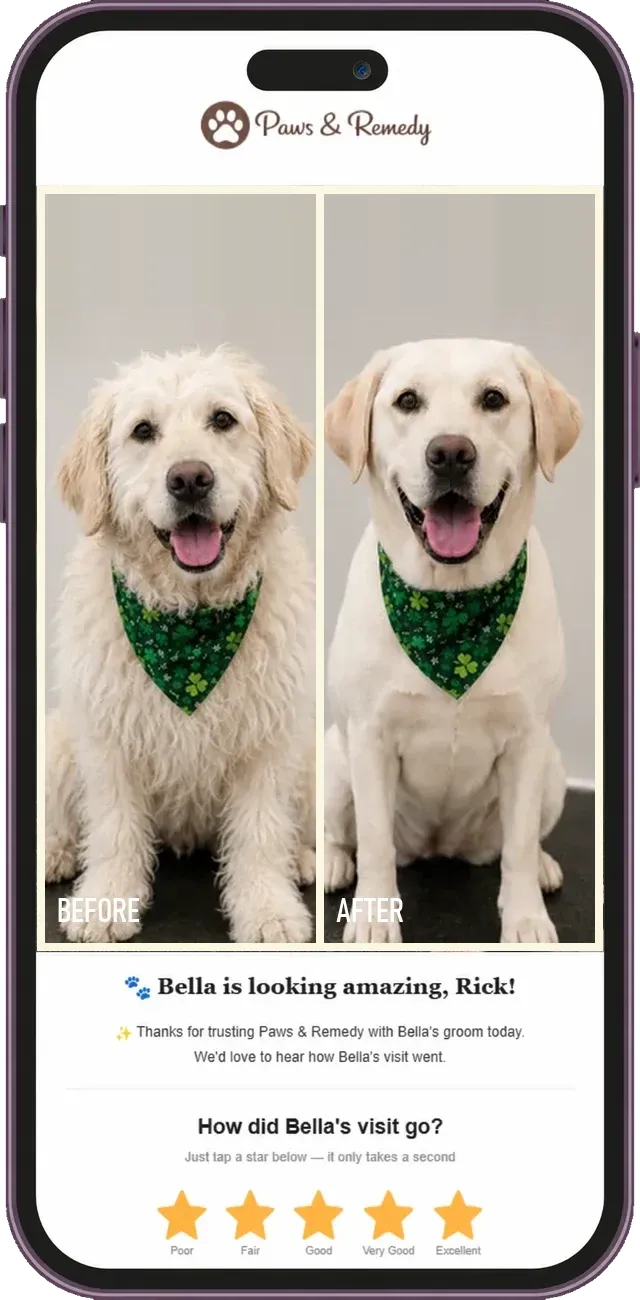
Your best work deserves more than a text link
A great groom is easy to see and easy to forget. By the time the customer is home, the moment has passed, and a generic "leave us a review" message doesn't bring it back.
A before-and-after request does. It shows exactly what your team did, right when you ask how the visit went.
How before-and-after requests work
Your groomer takes a before photo at drop-off and an after photo when the pet is done. ReviewCrusher places them side by side, adds the customer's and pet's names and an AI-written message, and sends the request by text or email.
The customer taps a star. Happy customers get editable review ideas and a path to Google. Customers with a concern can tell you privately, and every customer can still leave a public review.
- Before and after photos side by side in one request
- Personal message with the customer's and pet's names
- Sent by text or email, with automatic follow-ups
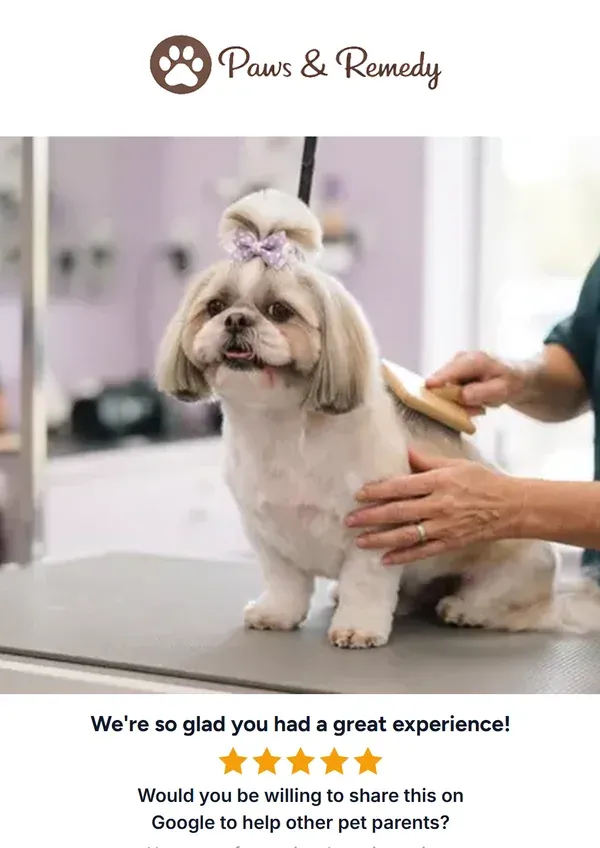
Taken and sent from the phone with Snap2Review
Groomers don't stop to sit at a computer. The Snap2Review app lets your team capture the photos, find the customer, and send the request in seconds from a phone.
If no after photo was taken, the request can still go out with a single photo, or with your branded CrushPix image.
Which request type fits which visit?
Before and after
Best for groomers and any service with a visible transformation.
One pet photo
Best for daycare, boarding, walks and visits. See pet photo review requests.
CrushPix
For any visit where no photo was taken. See CrushPix.
Questions about before-and-after requests
Do I have to take a photo every time?
No. When no pet photo is taken, ReviewCrusher uses your branded CrushPix image automatically, with the customer's and pet's names.
Can customers still leave a public review?
Yes. Every customer can leave a public review. Customers with a concern are also invited to share private feedback with you, and they always keep access to public review options.
Does AI write reviews for my customers?
No. AI drafts the request message you send, and offers customers three starting points they can edit or replace with their own words. Nothing is posted for anyone. The customer decides what to post.
Will my staff find it hard to use?
Requests send automatically, so your team doesn't have to learn a new system to keep reviews coming. When you want to send one by hand, Snap2Review takes a few seconds.
How soon will I get new reviews?
It depends on how many customers you serve and how often you send requests. Automatic follow-ups help the customers who meant to review but forgot.
Let your grooming results ask for the review
Try ReviewCrusher free for 14 days, or tap through the live demo first.
14-day free trial, card required. Cancel anytime during the trial. 30-day money-back guarantee, counted from the day your trial activates.