See what your customers experience and how ReviewCrusher works in seconds.
Take a pet photo, personalize the request, and send it in seconds.
Access support, watch demos, or book time with our team.
Discover how to request more customer reviews through SMS, email, links, QR codes, and automated campaigns.
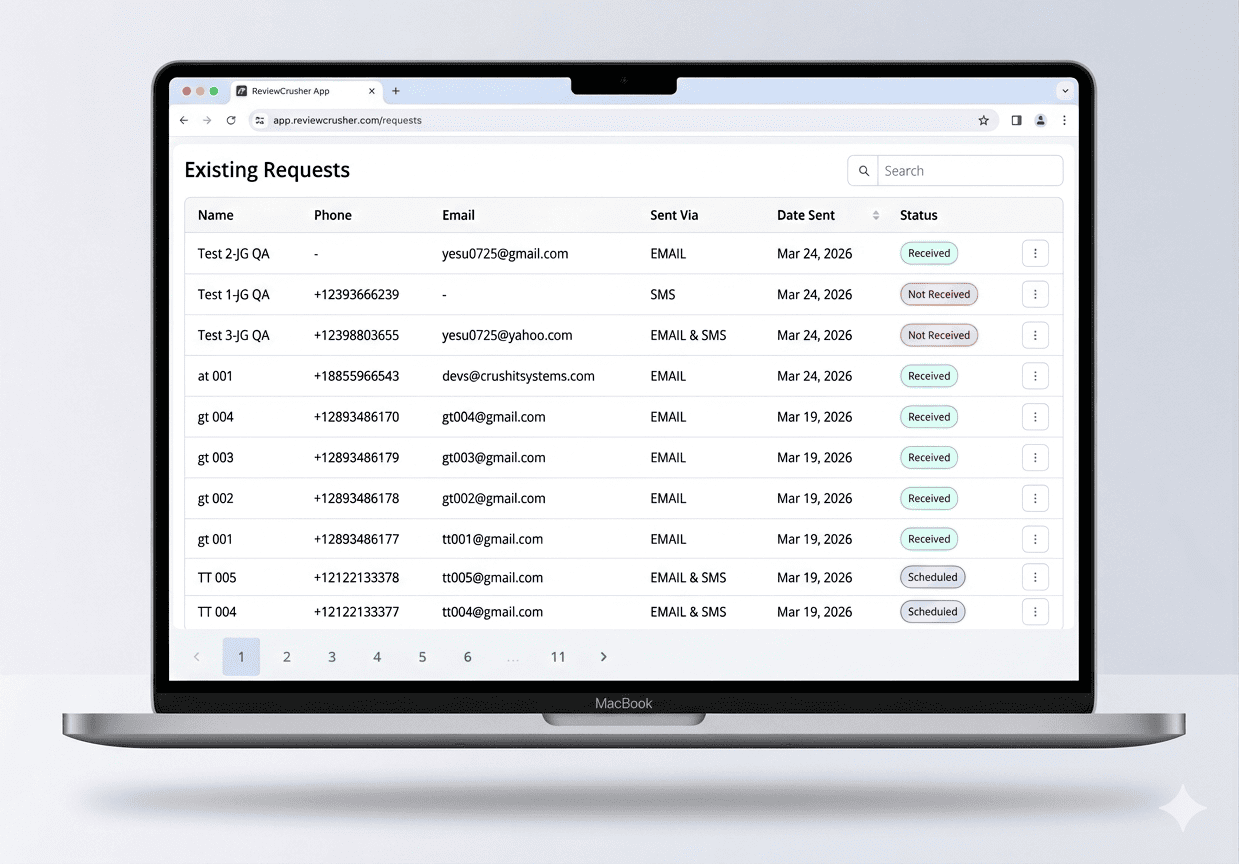
Learn how to use the Requests tab to view sent review requests, search the list, check delivery method and status, manage requests with the three-dot menu, and move through multiple pages of results.
Learn how to create in-store review QR codes, connect them to a review link, preview and save them, then manage existing QR codes using the View, Edit, Download, and Delete options.
Learn how to create a CrushPix from a custom image or template, upload a background and logo, personalize the greeting and message, preview the design for email and SMS, and save it for use in review requests.
Learn how to configure automated gated review requests, enable email and SMS delivery channels, apply the SMS opted-in filter, and understand the SMS, Email, and SMS + Email message sequences.
Learn how to manually send review requests by email or SMS, choose a review link, add branding, attach a CrushPix, preview the message, and send a test before sending.
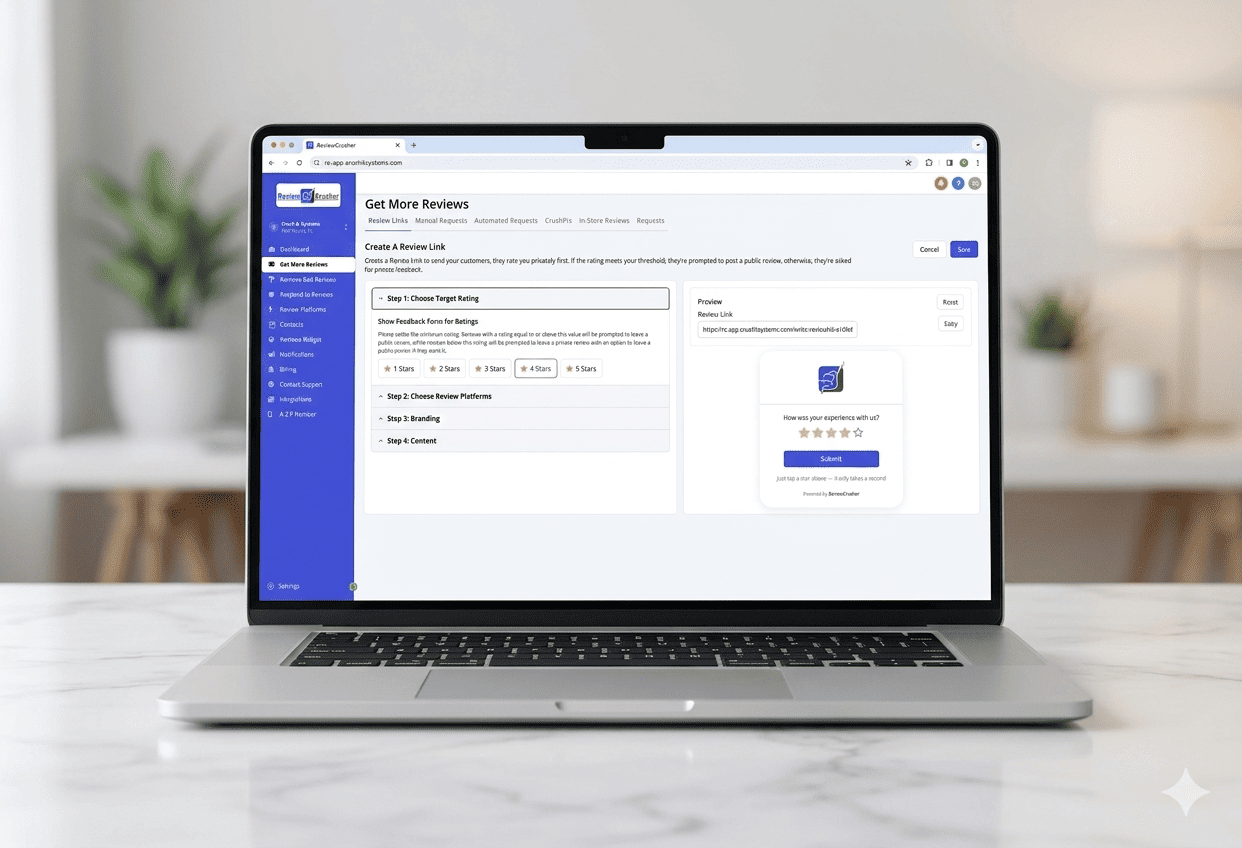
Learn how to create a Review Link that asks customers to rate you privately first, routes lower ratings to private feedback, and sends higher ratings to your selected public review platforms.